Search My Blog

Tuesday, June 10, 2014

Synergy is free and open source software for sharing one mouse and keyboard between multiple computers and it Works on Windows, Mac OS X and Linux


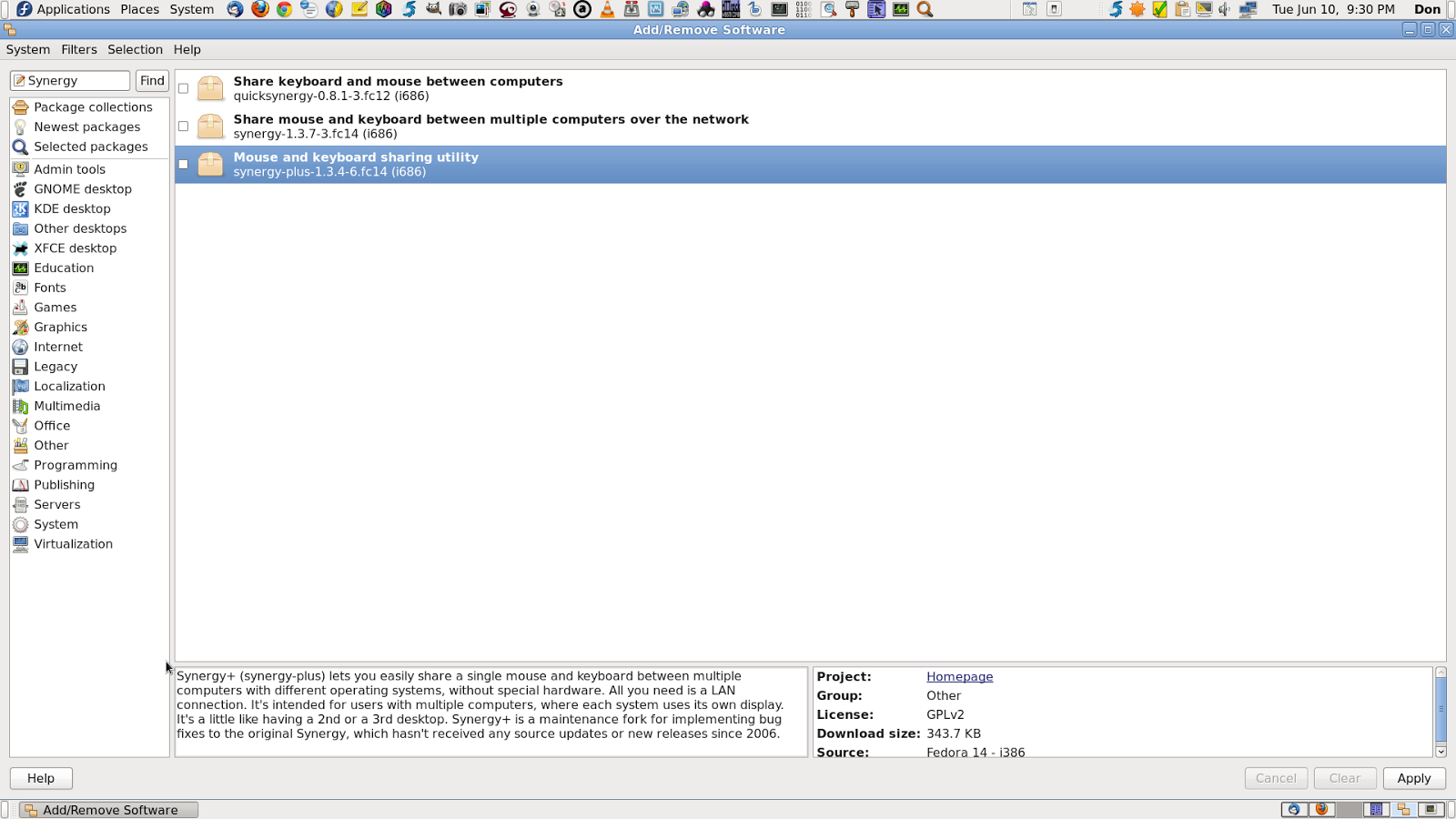
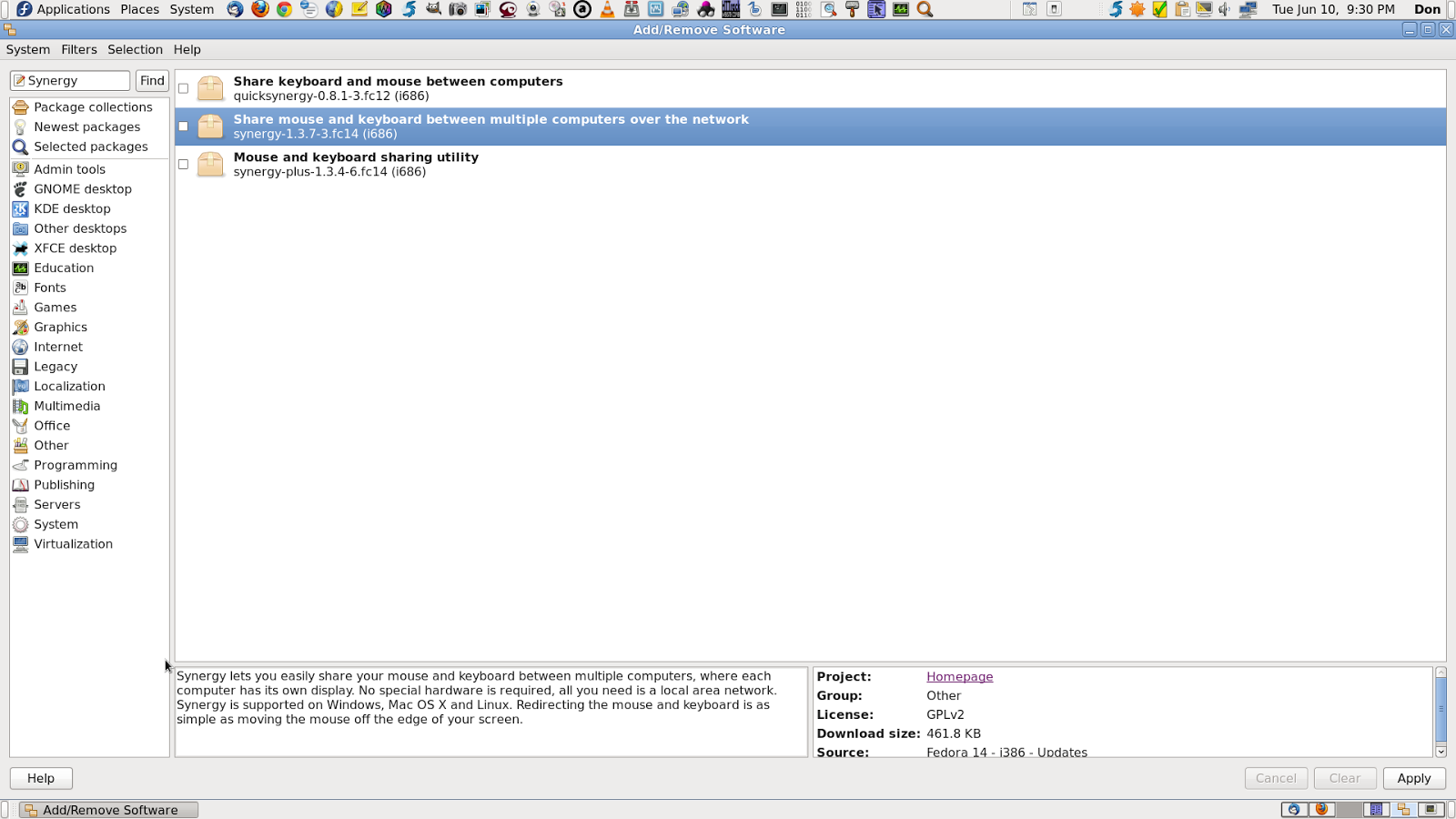
I've known about Synergy, for quite a few years now. But, I have a USB KVM Switch. That I use for my Multi-PC Setups. So, I haven't really needed a Software Solution for this, in the past. But, My KVM, only has 4 Ports and I do find my self. Wishing that I had more, quite often, these days. I ran across an article about Synergy, today. And now it supports Windows, Linux (my Favorite OS) and Mac. And it's in my Fedora Repos too. So, I'm taking another look. Check out what Synergy can do now...


Don

Synergy - Mouse and keyboard sharing software


Synergy is free and open source software for sharing one mouse and keyboard between multiple computers. Works on Windows, Mac OS X and Linux

Share your mouse and keyboard between multiple computers on your desk.

  • Simply move your mouse to any computer and start typing.
  • Supported on Windows, Mac OS X, Linux, Android and Apple iOS.
  • Share your clipboard (copy and paste) between your computers.
  • Drag and drop files from one computer to another.
  • Encryption keeps sensitive data safe on public networks.
  • Save space on your desktop by using one keyboard and mouse.
  • Network-based (IP) software KVM switch, minus the video.
  • Seamlessly share your mouse and keyboard with two or more computers.
  • Only a local network connection is needed (no extra cables or hardware).
  • An alternative to a keyboard/mouse USB switch.
  • Used by gamers for multiboxing (WoW and other MMORPGs).
  • Easily turn your old laptop or desktop PC into a second screen.
  • Avoid needing VNC for computers close by (like a media center).
  • Make use of your Raspberry Pi on your desktop.
  • Synergy is free and open source, and always will be!


Read More...
http://synergy-project.org/?welcome

Synergy is free and open source software for sharing one mouse and keyboard between multiple computers. Works on Windows, Mac OS X and Linux

quicksynergy - Synergy in a single click - Google Project Hosting
Christian Passions: synergy7
synergy-plus - Synergy lets you share a mouse and keyboard between several computers. - Google Project Hosting
Linux Today - Get HDMI Working With Nvidia Optimus On Ubuntu By Using Bumblebee And Synergy
Get HDMI Working With Nvidia Optimus On Ubuntu By Using Bumblebee And Synergy ~ Web Upd8: Ubuntu / Linux blog
Christian Passions: synergy7
Linux Today - Synergy could be the coolest open source app I have used in a long time
Synergy could be the coolest Open Source App I have used in a long time | Tech Drive-in
Synergy - Mouse and keyboard sharing software
Synergy - Download
Synergy - Donate
Synergy Premium
Synergy - Help
Synergy - Info
quicksynergy - Synergy in a single click - Google Project Hosting


Friday, June 6, 2014

BackTrack Reborn - Kali Linux

Remember BackTrack Linux? The Security Penetration Testing Distro. Well, things have changed a bit. Check out Kali Linux..

Don

Kali Linux | Rebirth of BackTrack, the Penetration Testing Distribution.


From the creators of BackTrack comes Kali Linux, the most advanced and versatile penetration testing distribution ever created. BackTrack has grown far

Read More...
http://www.kali.org/

What is Kali Linux ?

Kali Linux is the new generation of the industry-leading BackTrack Linux penetration testing and security auditing Linux distribution. Kali Linux is a complete re-build of BackTrack from the ground up, adhering completely to Debian development standards.

Read More

Should I Use Kali Linux?

As the distribution developers, one would likely expect us to recommend that everyone use Kali Linux but the fact of the matter is, that Kali is a Linux distribution specifically geared towards professional penetration testing and security auditing.

Read More

Kali Linux Default Passwords

During installation, Kali Linux allows users to configure a password for the root user. However, should you decide to boot the live image instead, the i386, amd64, and ARM images are configured with the default root password – “toor, without the quotes.

Read More
Go there...
http://docs.kali.org/category/introduction


Kali Linux ISO of Doom

In our last blog post, we provided an example of running an unattended network installation of Kali Linux. Our scenario covered the installation of a custom Kali configuration which contained select tools required for a remote vulnerability assessment using OpenVAS and the Metasploit Framework.

With just a few minor changes to this concept, we can further leverage Kali to create other cool and shiny toys as well. In today’s post, we’ll see what it takes to create what we fondly refer to as “The Kali Linux ISO of Doom”.

The idea we had was tbao build an “unattended self-deploying” instance of Kali Linux that would install itself on a target machine along with a customized configuration requiring no user input whatsoever. On reboot after the installation completes, Kali would automagically connect back to the attacker using a reverse OpenVPN connection. The VPN setup would then allow the attacker to bridge the remote and local networks as well as have access to a full suite of penetration testing tools on the target network.

Read More...
http://www.offensive-security.com/kali-linux/kali-linux-iso-of-doom/


BackTrack Reborn - Kali Linux


Kali Linux | Rebirth of BackTrack, the Penetration Testing Distribution.
Official Kali Linux Downloads | Kali Linux
Kali Linux Official Documentation | Kali Linux
Kali Linux ISO of Doom
Community | Kali Linux
Offensive Security Training and Professional Services
BackTrack Reborn - Kali Linux Teaser on Vimeo
Kali Linux - Penetration Testing Distribution - Documentation
Kali Linux Forums
What is Kali Linux ? | Kali Linux Official Documentation
Should I Use Kali Linux? | Kali Linux Official Documentation
Kali Linux Default Passwords | Kali Linux Official Documentation
00. Introduction To Kali Linux | Kali Linux Official Documentation
BackTrack Linux
BackTrack
BackTrack 5 R2 Linux Officially Released - Softpedia
BackTrack Forums
BackTrack Linux - Linux Freedom
BackTrack Linux - Penetration Testing Distribution
BackTrack Wiki
Downloads
Downloads
Hard Drive Installs - BackTrack Linux
InternetNews Realtime IT News - Amazon Backtracks on Kindle Voice Feature
Linux Today - Amazon Backtracks on Kindle Voice Feature
Main Page - BackTrack Linux
Persistent USB - BackTrack Linux
Upgrading to BackTrack 5 R2
USB Installs - BackTrack Linux
reaver-wps - Brute force attack against Wifi Protected Setup - Google Project Hosting
How to Crack a Wi-Fi Network's WPA Password with Reaver

Linux From Scratch - Shows you How to Build a Linux System from the the Kernel Up

Ever thought about building your own Linux Distro, from the Kernel Up?. Check out this site...

Don

From the LFS Project Homepage

What is Linux From Scratch?

Linux From Scratch (LFS) is a project that provides you with step-by-step instructions for building your own customized Linux system entirely from source.

Why would I want an LFS system?

Many wonder why they should go through the hassle of building a Linux system from scratch when they could just download an existing Linux distribution. However, there are several benefits of building LFS. Consider the following:

LFS teaches people how a Linux system works internally
Building LFS teaches you about all that makes Linux tick, how things work together and depend on each other. And most importantly, how to customize it to your own tastes and needs.

Building LFS produces a very compact Linux system
When you install a regular distribution, you often end up installing a lot of programs that you would probably never use. They're just sitting there taking up (precious) disk space. It's not hard to get an LFS system installed under 100 MB. Does that still sound like a lot? A few of us have been working on creating a very small embedded LFS system. We installed a system that was just enough to run the Apache web server; total disk space usage was approximately 8 MB. With further stripping, that can be brought down to 5 MB or less. Try that with a regular distribution.

LFS is extremely flexible
Building LFS could be compared to a finished house. LFS will give you the skeleton of a house, but it's up to you to install plumbing, electrical outlets, kitchen, bath, wallpaper, etc. You have the ability to turn it into whatever type of system you need it to be, customized completely for you.

LFS offers you added security
You will compile the entire system from source, thus allowing you to audit everything, if you wish to do so, and apply all the security patches you want or need to apply. You don't have to wait for someone else to provide a new binary package that (hopefully) fixes a security hole. Often, you never truly know whether a security hole is fixed or not unless you do it yourself.

What can I do with my LFS system?

A by-the-book LFS system is fairly minimal, but is designed to provide a strong base on which you can add any packages you want. See the BLFS project for a selection of commonly used packages.

Who's who:

  • Project Leader: Gerard Beekmans
  • Project Co-leader: Matthew Burgess
  • Project Co-leader: Bruce Dubbs
  • Plus numerous people who contribute to the book and its side projects.


Read More...
http://www.linuxfromscratch.org/lfs/index.html


Linux From Scratch - Shows you How to Build a Linux System from the the Kernel Up


LFS Project Homepage
BLFS Project Homepage
Download LFS
Index of /lfs/downloads/stable
Read LFS Online
The Linux From Scratch Counter
Support for LFS Projects
LFS Mailing Lists
How to Contribute
LFS Trac
Select an LFS Mirror Near You